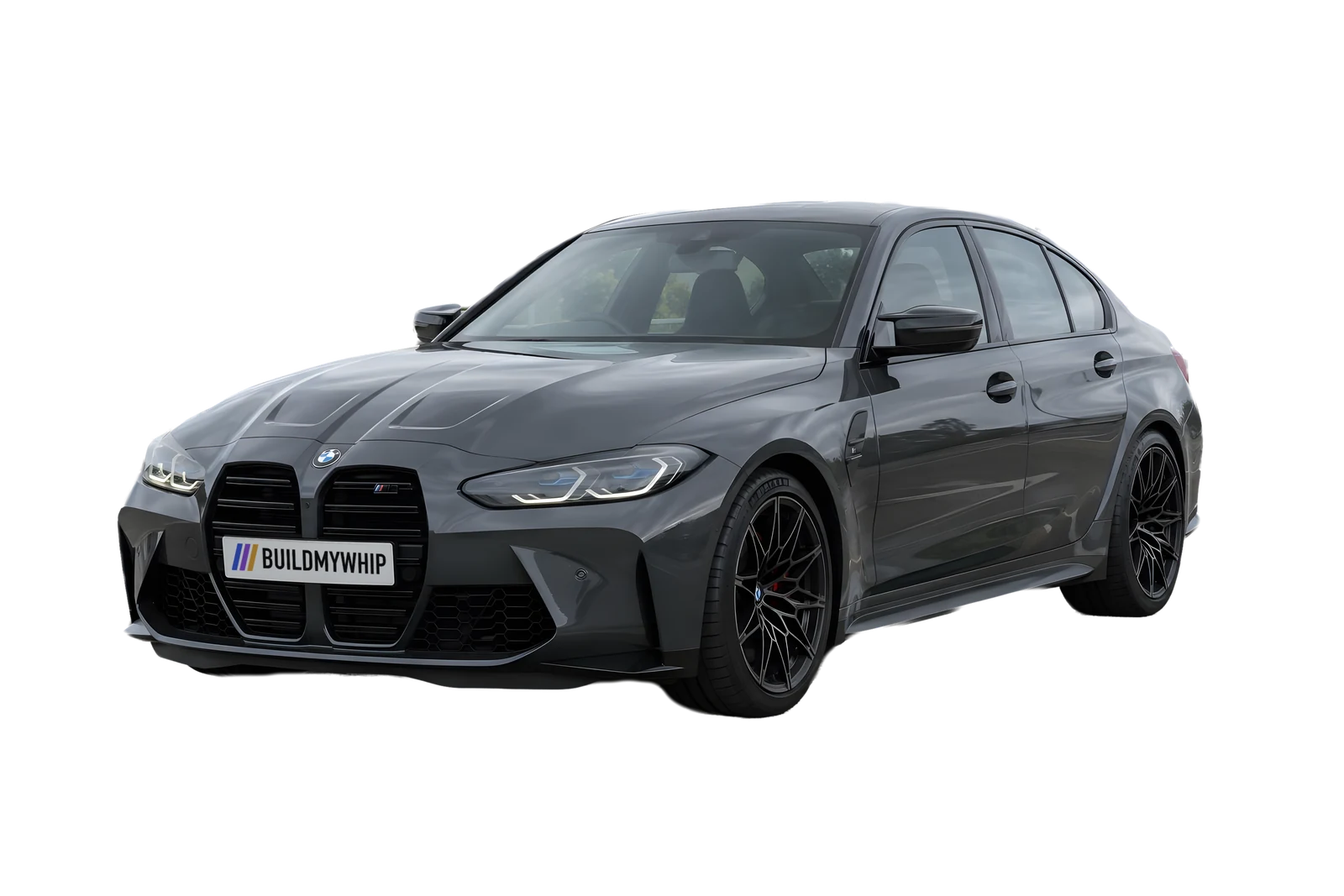
See any mod on your car before you buy it.
Upload a photo of your car, pick wheels, a drop, a wrap or a wing, and get a realistic render of your car in under a minute.
- Your own photo, not a stock car
- Five free renders, no card needed
Upload a photo
One phone shot, or up to four angles of the same car. We recognise the make and model.
Pick your mods
Tap parts from the counter, start from a preset, or upload a photo of the exact part you want.
See it and share it
Slide between stock and built, then export a build reel for Reels and TikTok, or a spec card with every mod listed.
Same car. New attitude.
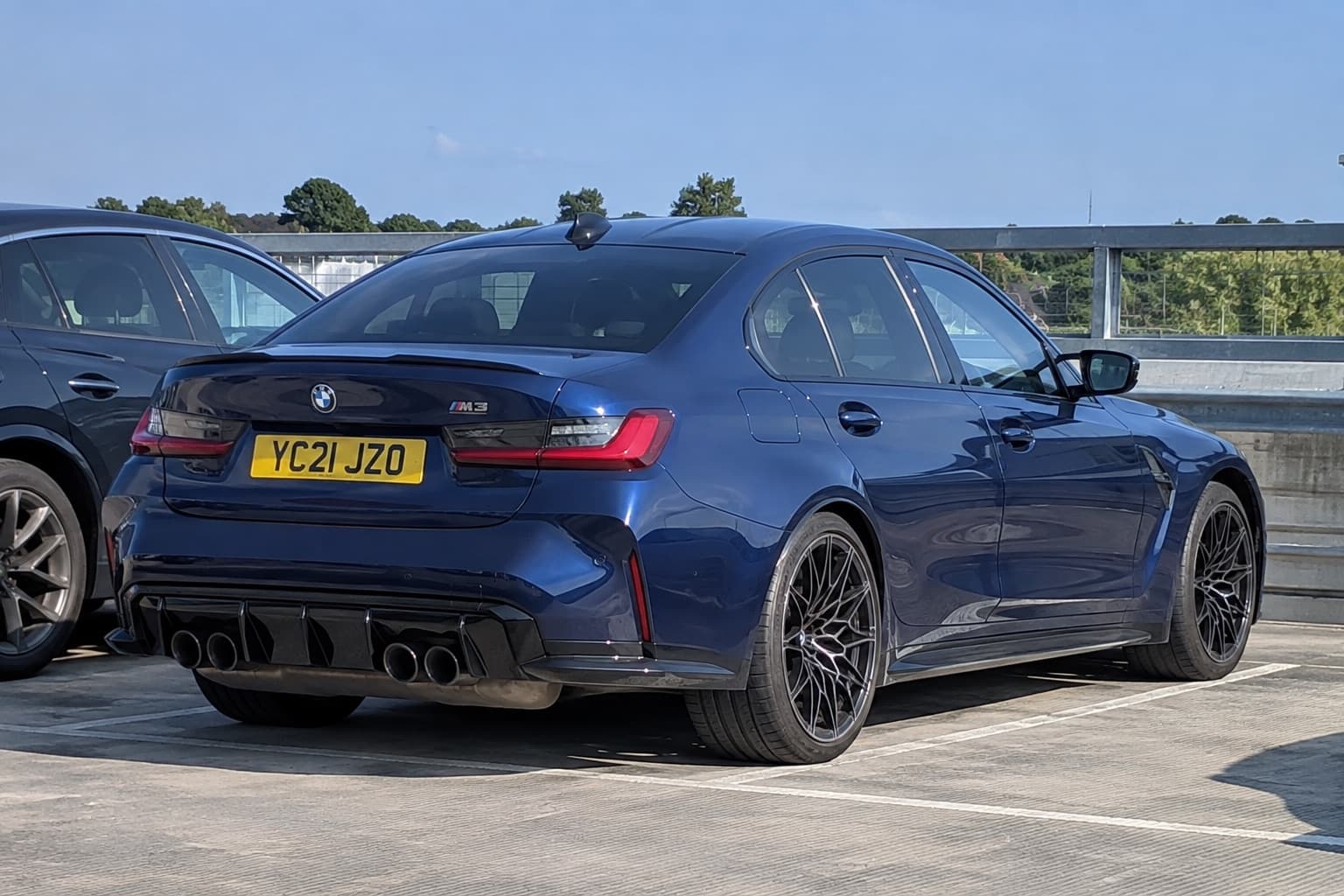
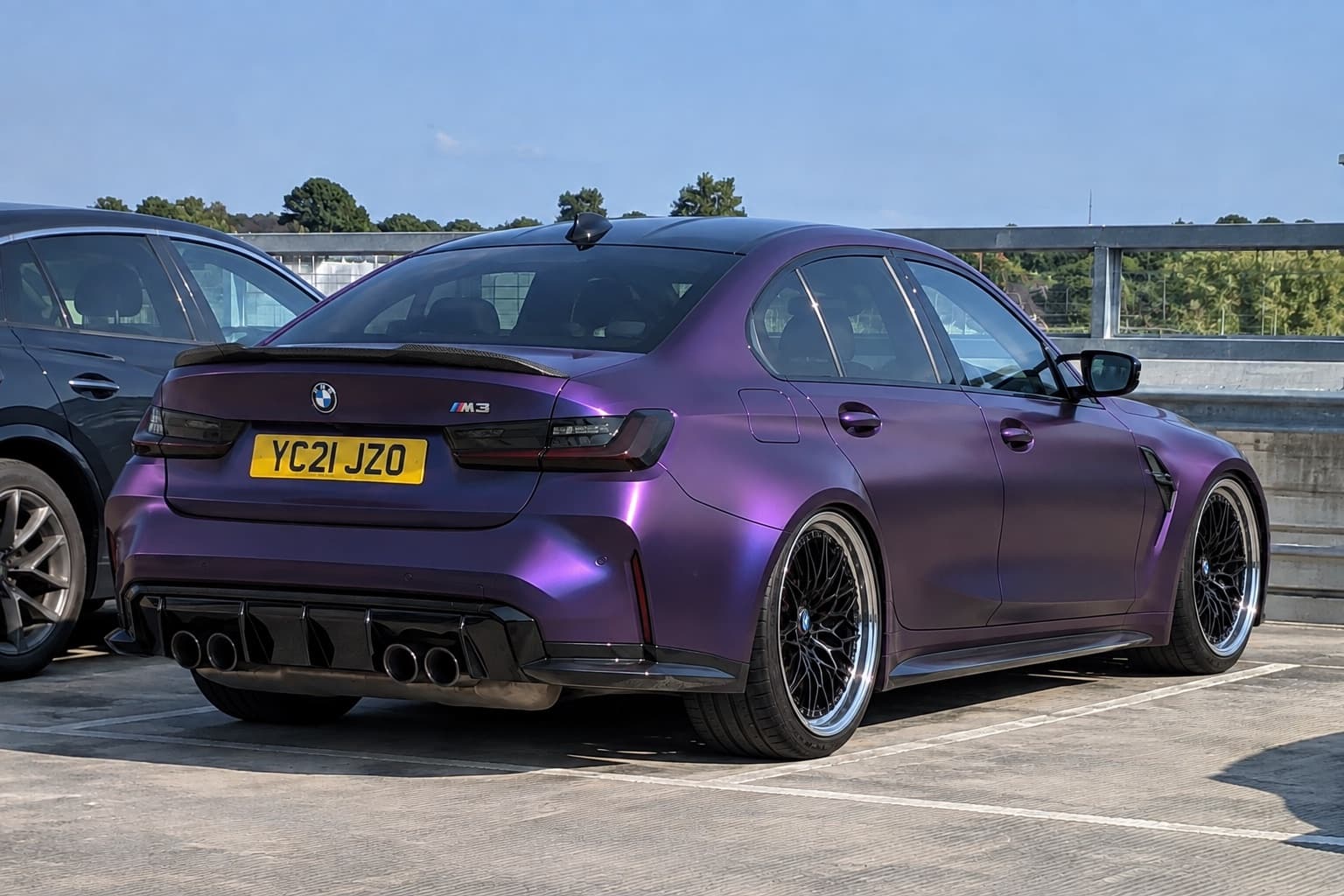
2021 BMW M3
- Paint
- Satin purple colour-shift wrap
- Wheels
- Black mesh, polished lip
- Stance
- Air suspension, tucked
- Aero
- Carbon ducktail
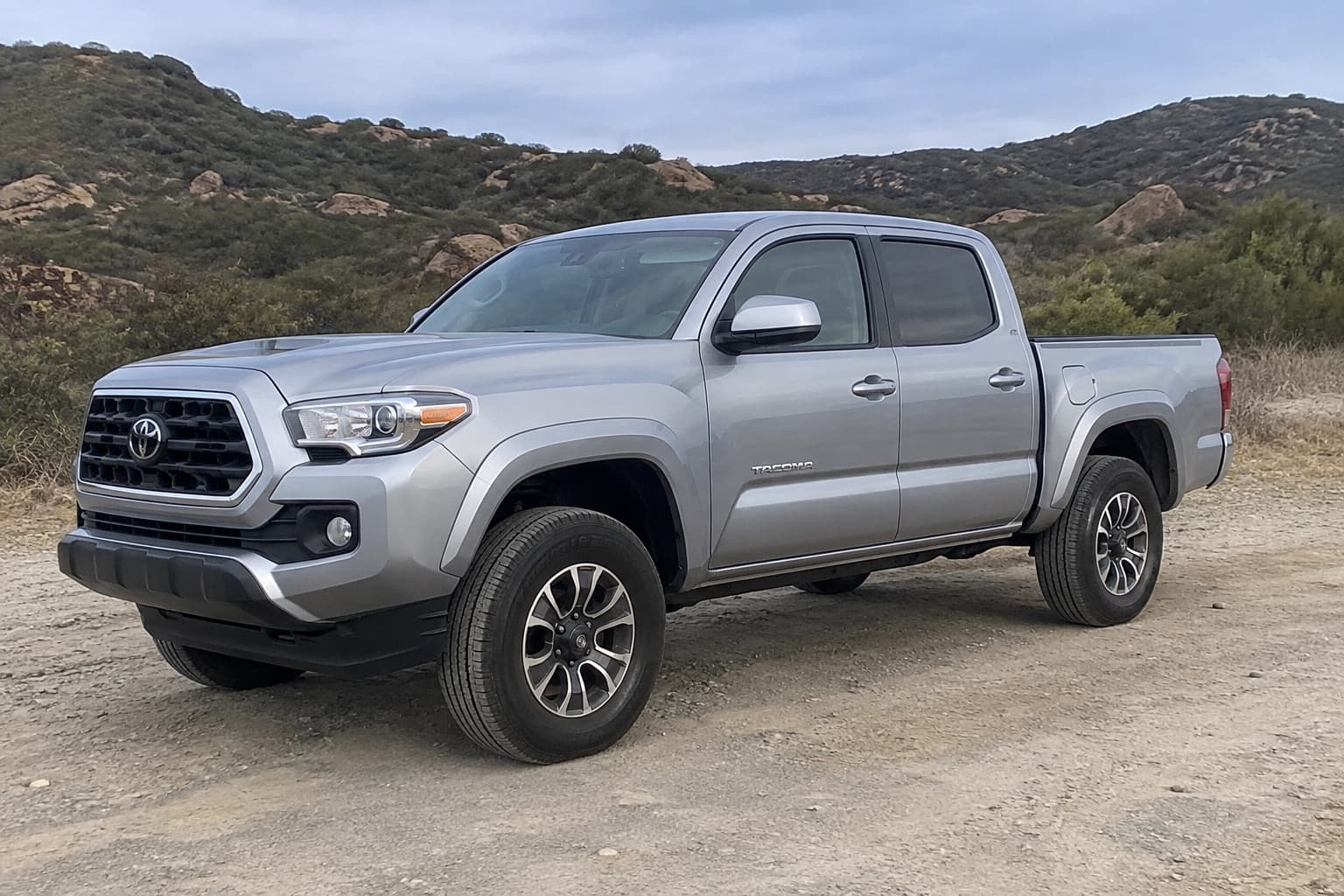
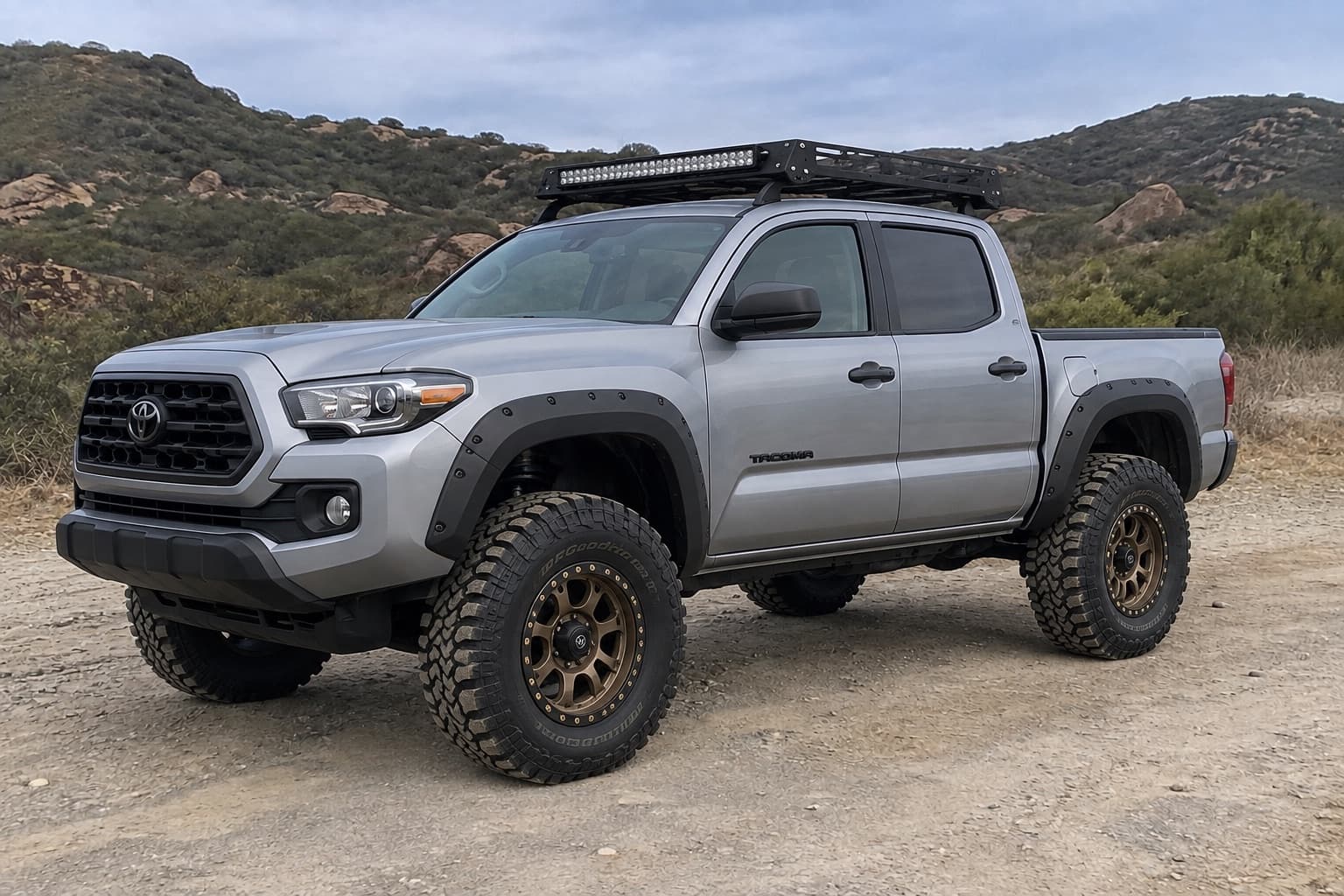
3 inch lift. 33 inch mud-terrain. Matte bronze off-road. Roof rack, light bar, flares.
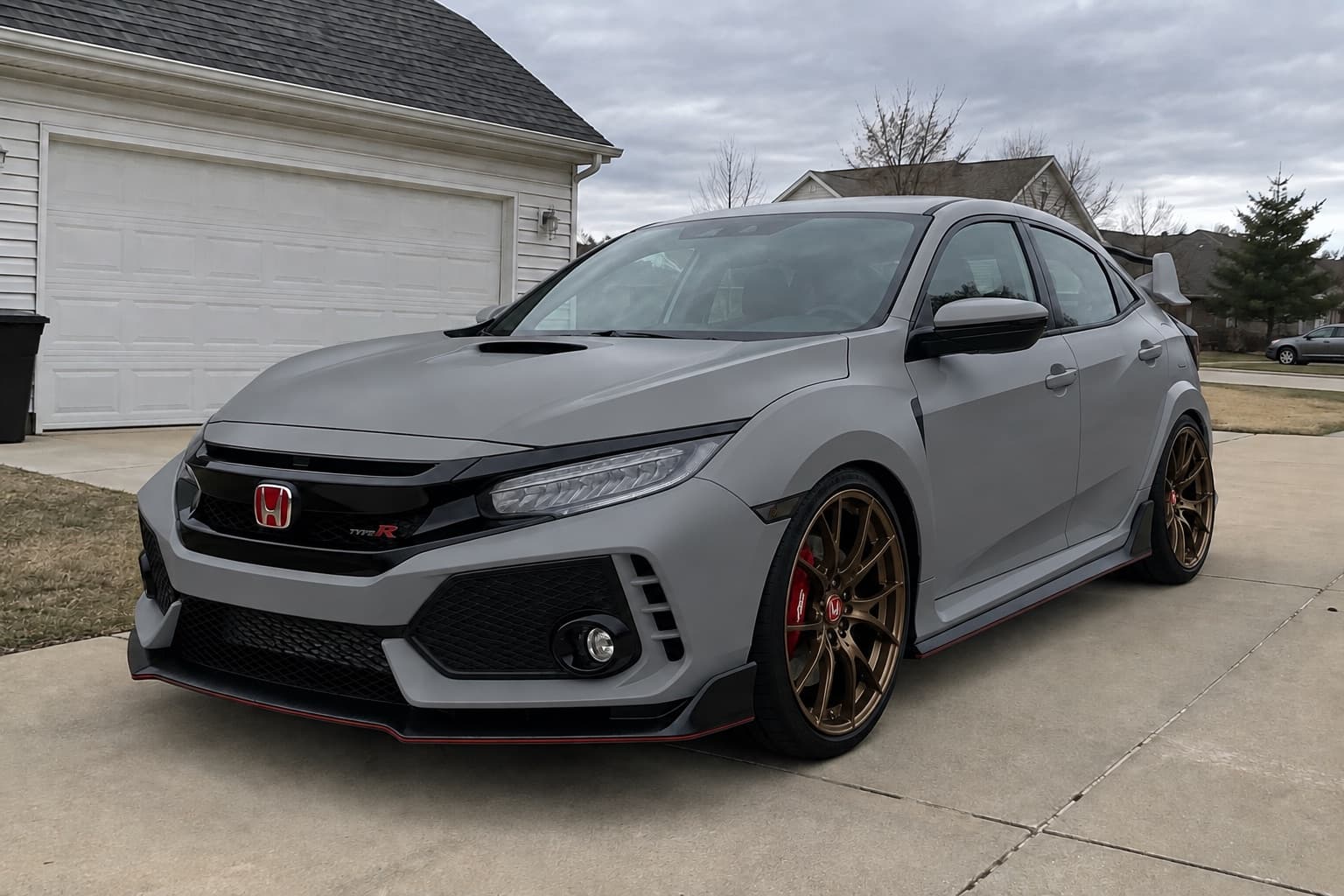
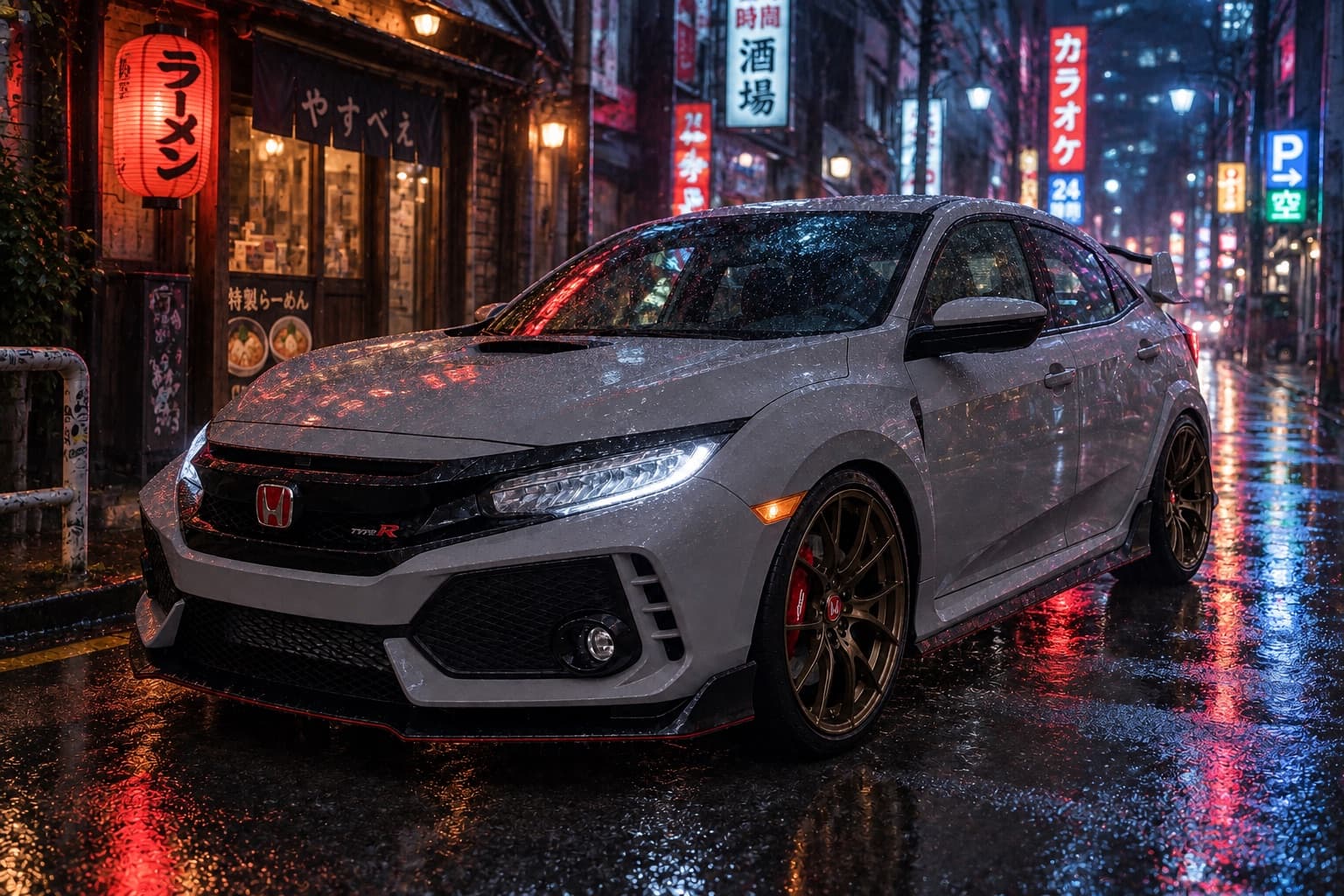
Tokyo backstreet. Rainy night. Unchanged from the build.
Free to try. Pay when you're hooked.
- Every mod, preset and background
- Fast renders on one photo
- Watermarked, or unlock once to remove it
- Pro renders and up to 4 angles per build
- No watermark, full-size exports
- Full-HD build reels and spec cards
- Real wheel setups matched to your renders
- Cancel any time, keep your builds
- Everything in Driver
- Three times the renders
- Priority rendering at busy times
- First access to new mods and features
- Your logo on every export
- Customer share links with enquiry capture
- Embeddable visualiser for your site
- Multiple staff seats
Not ready for a plan? Unlock once for £5.49: the watermark comes off for good and you get 30 credits that never expire.
Seen it online? Fit it here.
Upload a photo of the exact part you want, whether it's a wheel from a shop listing, a wing from a catalogue or a colour off someone else's car. We fit that design to your car, in your photo.
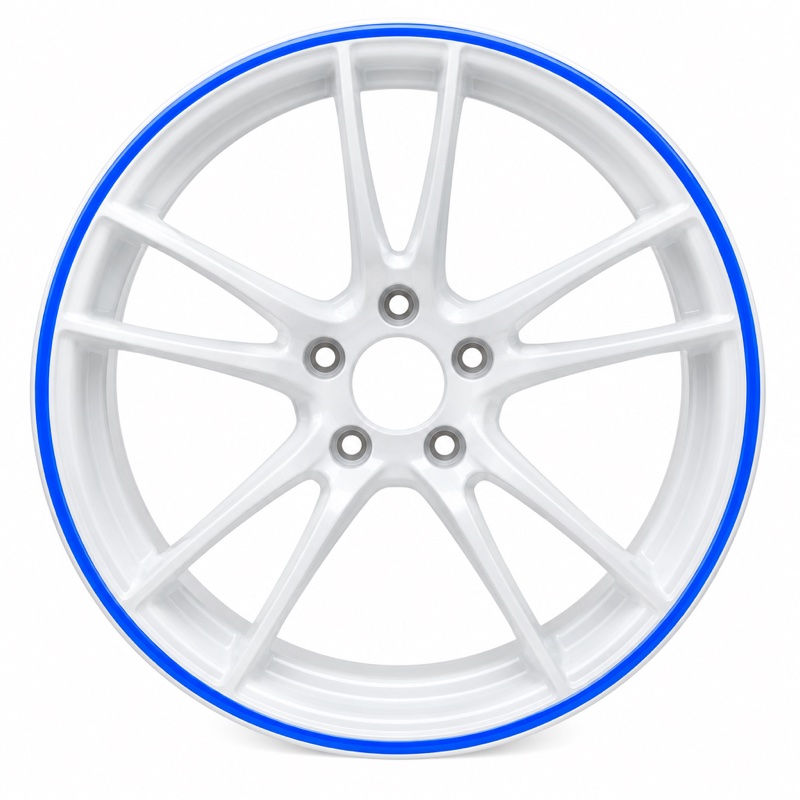
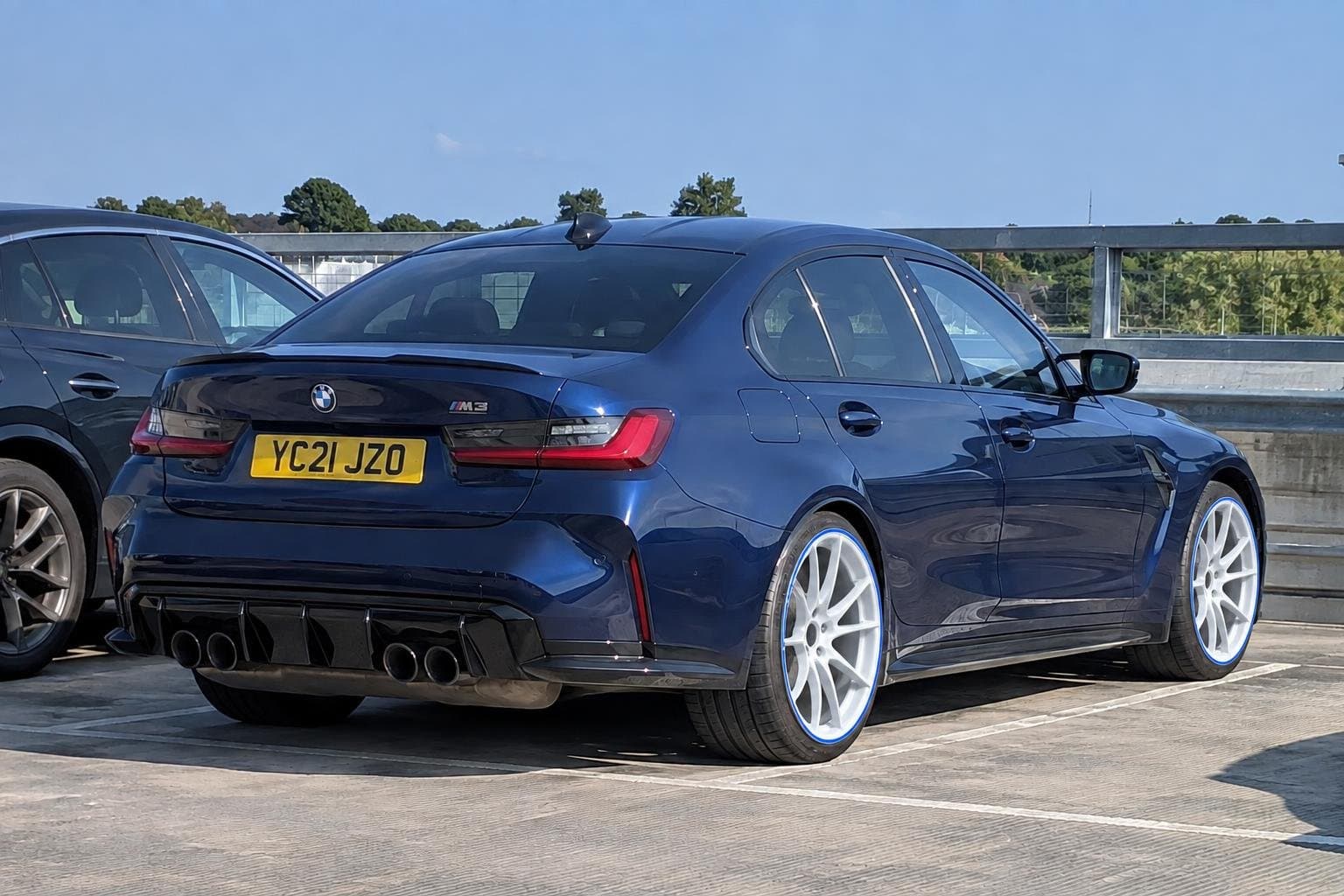
A product shot of a wheel went in. The render kept the split spokes and the blue pinstripe on the lip, and left the rest of the M3 alone.
Works for every mod: wheels, tyres, stance, paint, kits, wings, lights, tint, details, backgrounds and mood.
Every angle. One build.
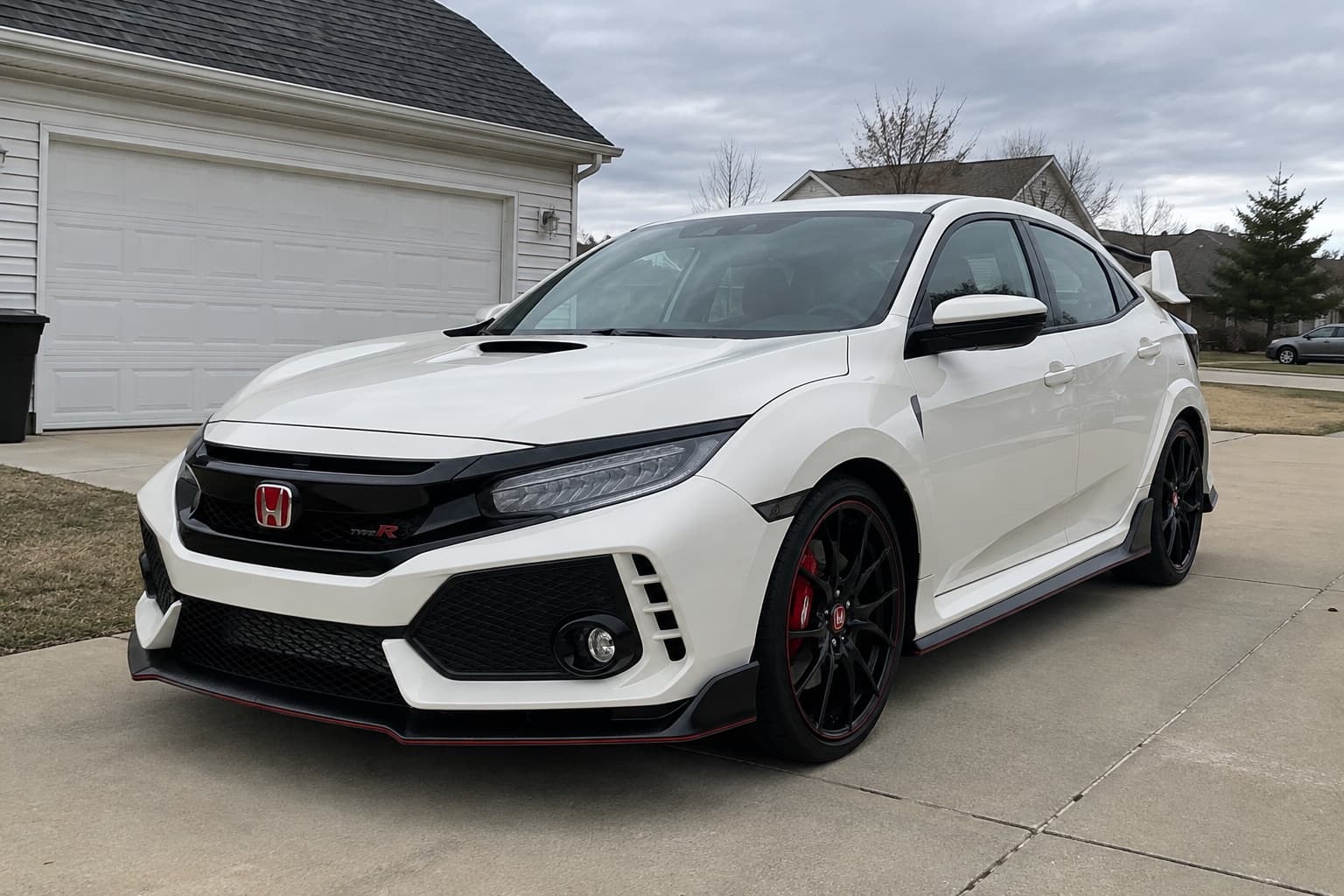
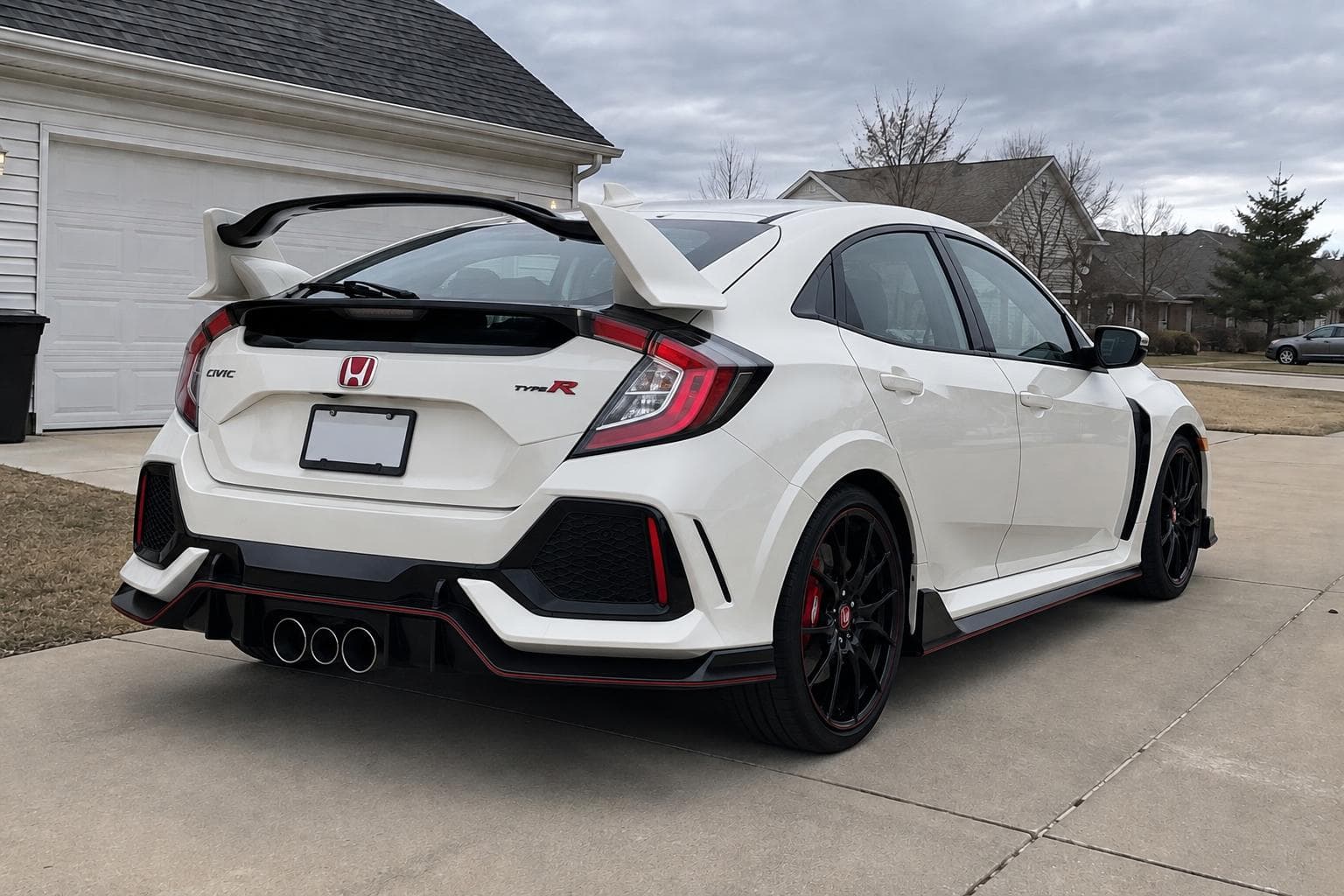
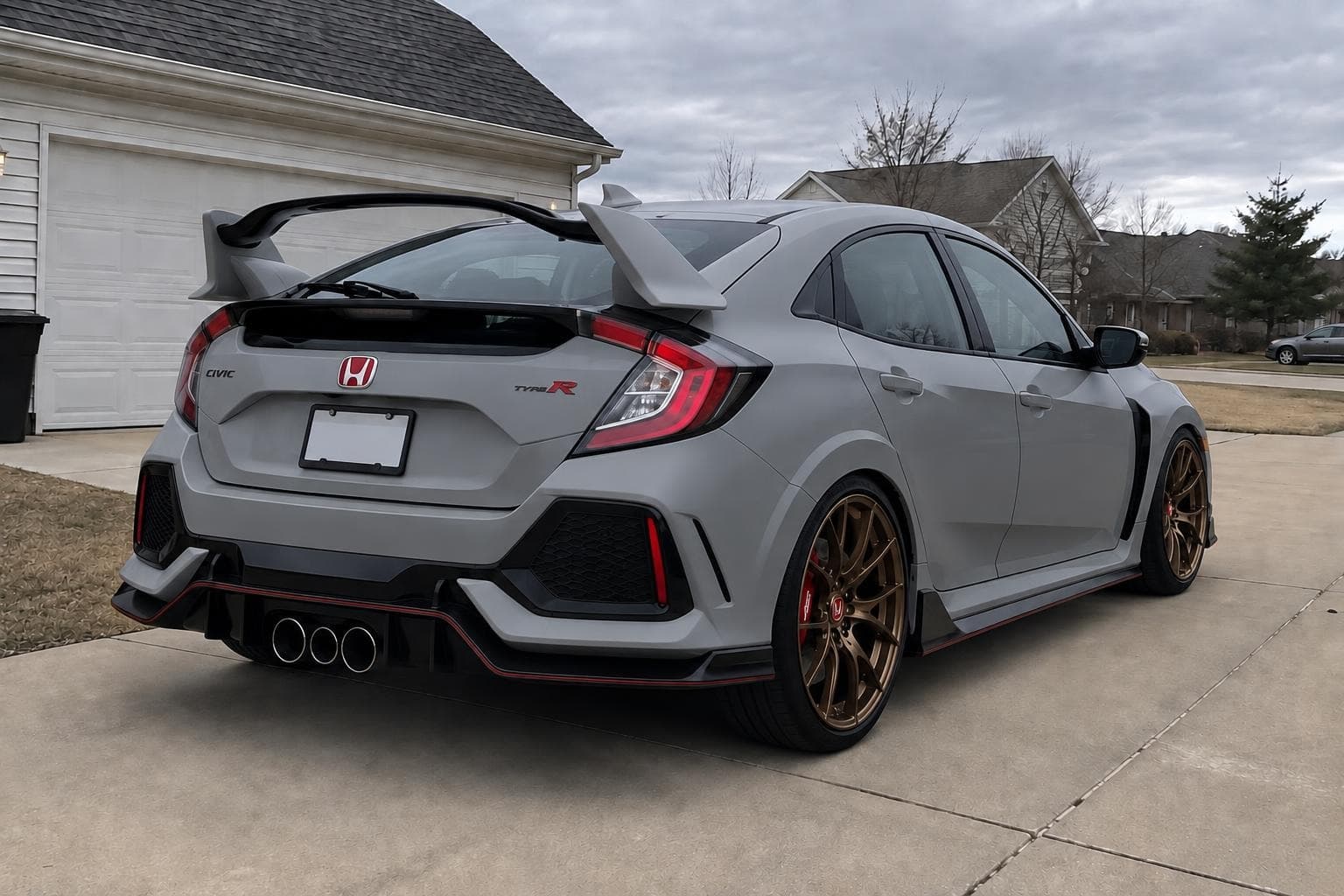
Same satin Nardo wrap, same bronze forged wheels, same drop, from one click. The front renders first and the rear copies it, so the two photos never disagree about your build.
Pick a colour off the wall.
The whole parts counter.
Stack as many mods as you like in one render, start from a preset like JDM street or Overland, upload a photo of the exact part you want, or just type it in your own words.
Start a buildWheels
Design, finish and diameter
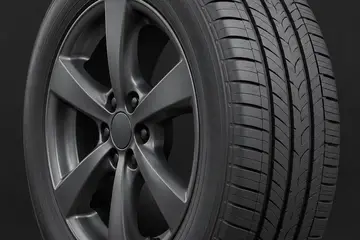
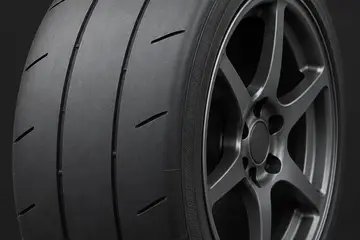
Tyres
Profile, sidewall and tread
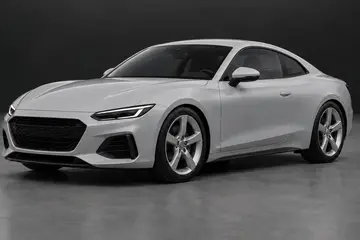
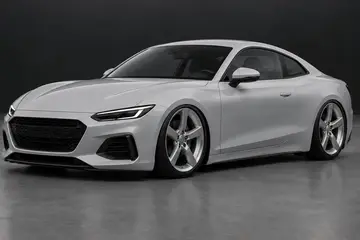
Stance
Ride height and fitment
Paint & wrap
Colour, finish and coverage
Body kit
Widebody, lips, skirts, diffuser
Spoiler
Wings, ducktails and lips
Lights
Tint, halos, fogs, underglow
Window tint
Shade and windshield banner
Details
Calipers, trim, exhaust, plates
Background
Put the car somewhere new
Vibe
Light, weather and grade
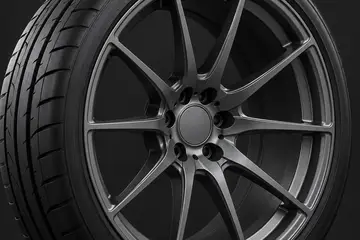
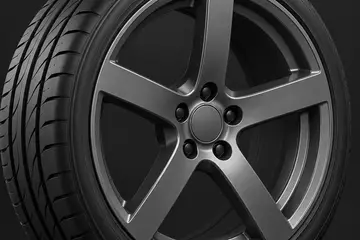
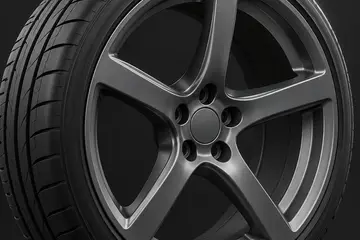
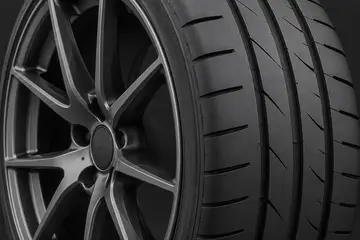
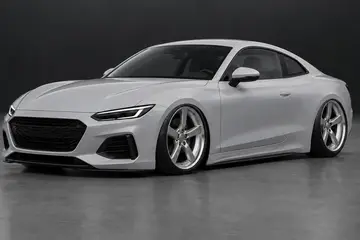
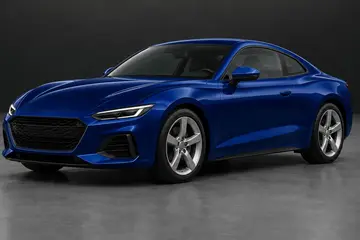
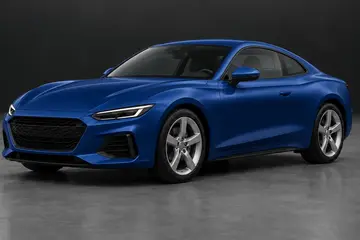
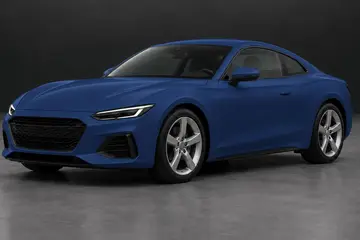
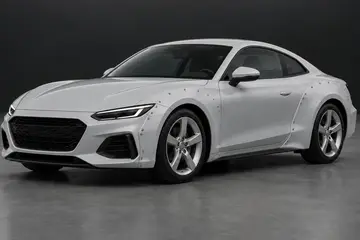
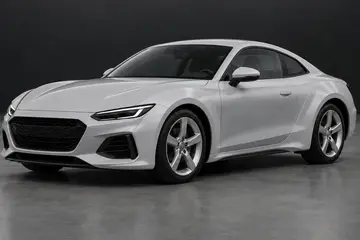
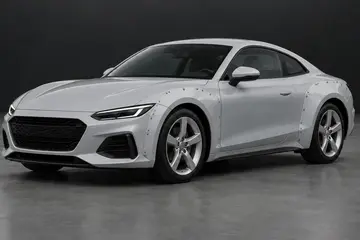
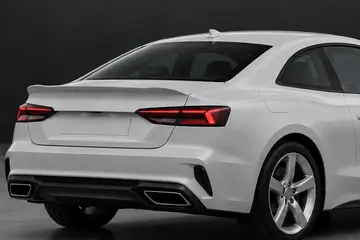
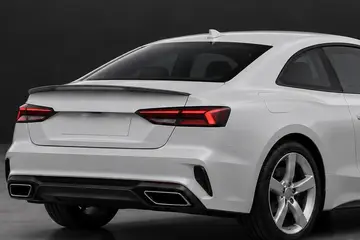
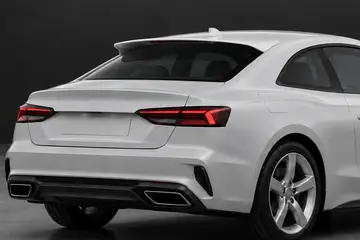
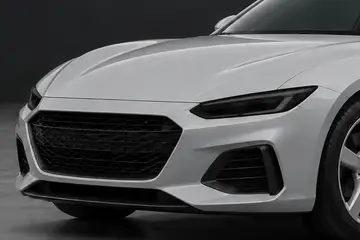
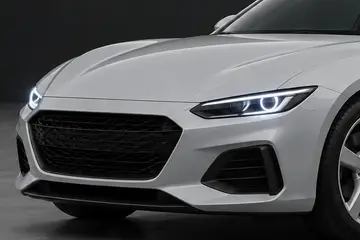
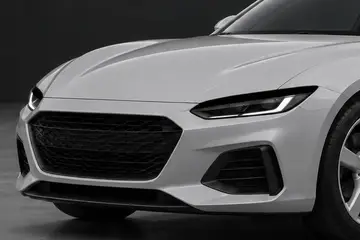
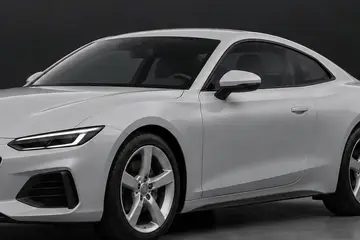
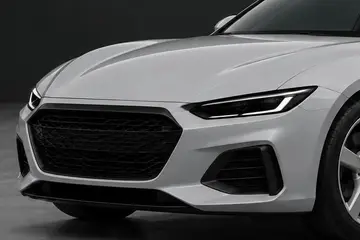
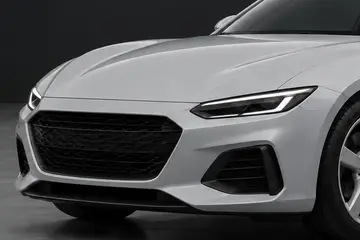
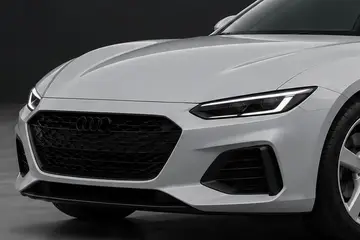
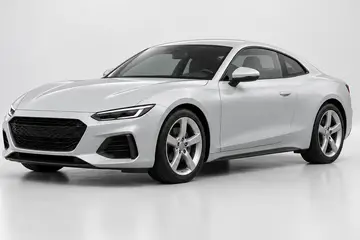
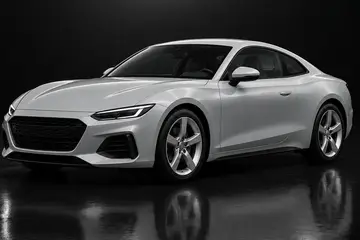
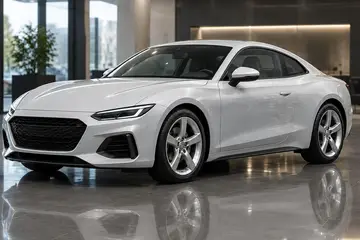
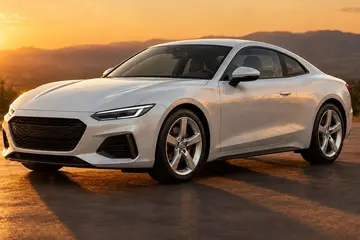
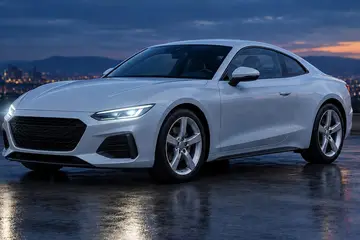
No melted badges. No weekly traps.
Your car stays your car
Brush over the part you want changed and we keep every other pixel from your original photo. No surprise new headlights, no melted badges.
No weekly traps
Try it free with no card. Monthly plans cost pennies a render, cancel in two clicks, and failed renders never count.
Made for posting
Export a vertical before-and-after reveal for Reels and TikTok, or a spec card for the feed with every mod listed.
Know what fits
We recognise your car and show its bolt pattern, factory wheel size and a common upgrade fitment before you start shopping.
Free to try. Pay when you're hooked.
- Every mod, preset and background
- Fast renders on one photo
- Watermarked, or unlock once to remove it
- Pro renders and up to 4 angles per build
- No watermark, full-size exports
- Full-HD build reels and spec cards
- Real wheel setups matched to your renders
- Cancel any time, keep your builds
- Everything in Driver
- Three times the renders
- Priority rendering at busy times
- First access to new mods and features
- Your logo on every export
- Customer share links with enquiry capture
- Embeddable visualiser for your site
- Multiple staff seats
Not ready for a plan? Unlock once for £5.49: the watermark comes off for good and you get 30 credits that never expire.
Questions
Will the parts really look like this?
It is an AI preview, so treat it like a very good sketch. Proportions and finishes are close, but it can't guarantee fitment. Confirm offsets and clearances with your shop before you buy.
What happens to my photos?
Your builds live in your browser. Each render sends your photos to OpenAI's image model to make the edit. During the beta we also keep a copy of the photos, reference images and settings from each render for 30 days, only so we can fix problems, then delete it. We never share them or use them for anything else.
Can I use a photo of a part I found online?
Yes. Every mod has a reference slot. Drop in a product shot or a screenshot of the wheel, wing, colour or backdrop you want, and we fit that design to your car. You can use up to four references in one render.
Can I do the front and back of my car?
Yes. Add up to four angles to one build. The angle you're looking at renders first, then the others copy its result so the wheels, paint and kit match across every photo. Each extra angle costs one render.
What's the difference between Fast and Pro?
Both make exactly the same changes to your car. Fast is a quick draft: about 15 seconds and 1 credit, made for trying lots of ideas. Pro takes about 30 seconds and 4 credits and draws everything more carefully, so spokes, badges, reflections and panel edges come out crisper. Try ideas on Fast, then redo the one you like on Pro for the shot you post. With Wheel accuracy on, both take a little longer and use double credits.
How do plans and credits work?
New accounts get 2 free credits. Driver and Builder add 200 or 600 credits every month, plus Pro renders, more angles and clean downloads, or unlock once: 30 credits that never expire and no watermark from then on. A Fast render costs 1 credit and a Pro render 4, doubled with Wheel accuracy on. Failed renders never count, and if a render comes out wrong you can get its credits back from the studio within 24 hours. Cancel any time from your account.
What photo works best?
A three-quarter or side view in daylight with the whole car in frame. Phone photos are fine. Very dark or heavily cropped shots are harder to edit convincingly.
Know what fits.
Wheel fitment guides
Browse all guidesFree wheel and tyre tools
See all toolsYour car.
Tonight.
Your first render is on us. No card needed.